PhotoCraft
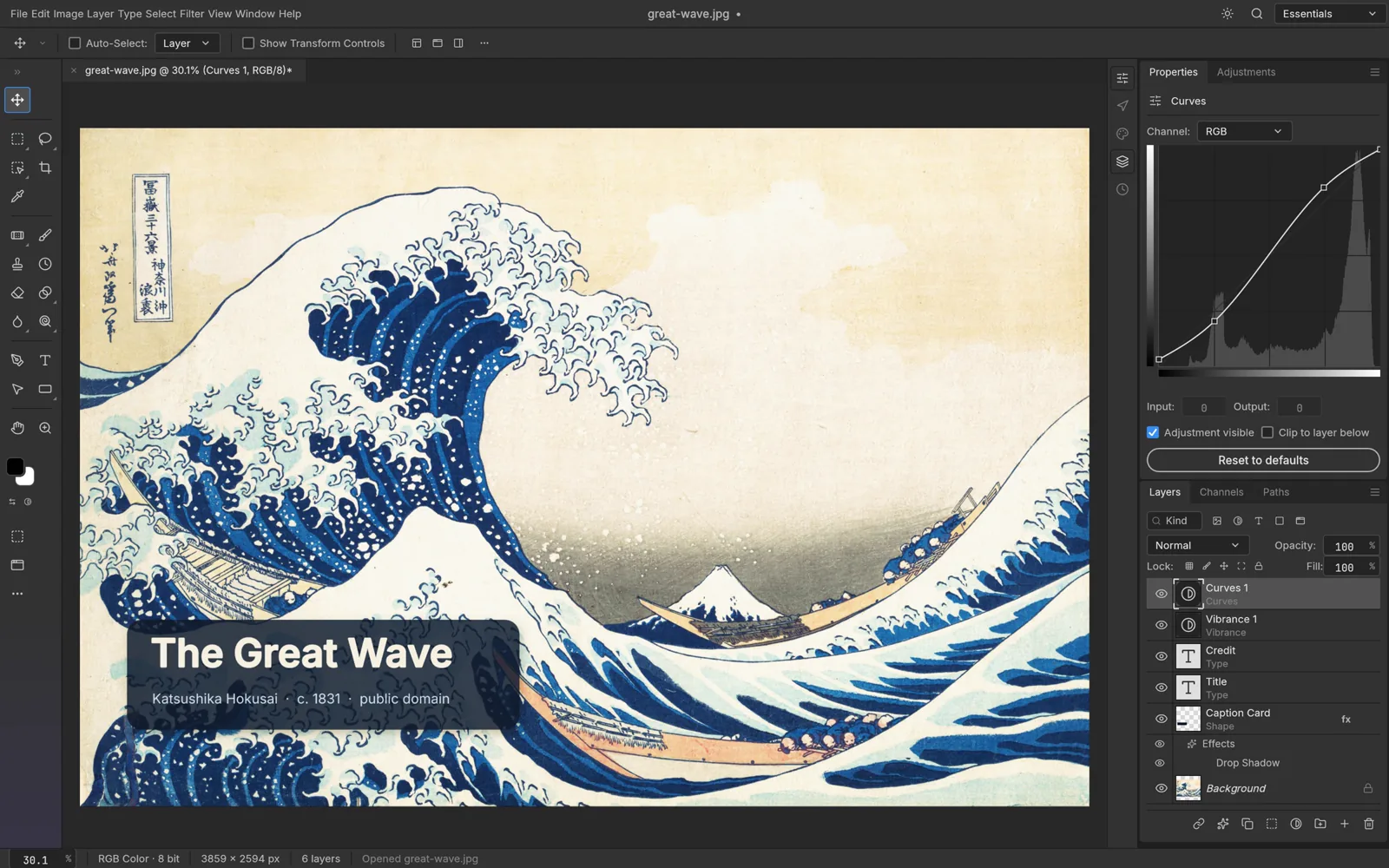
Open images, work with layers and keep an editable PSD or a flat PNG.
Independent creative tool directory
Edit an image, write a document or explore motion in your browser. Find the right application for other creative tasks and check the result before handing it off.
Independent guides · Official links · No files uploaded here
Official Web builds, independently hosted. Editing runs on this device. Download your work before closing.
Open images, work with layers and keep an editable PSD or a flat PNG.
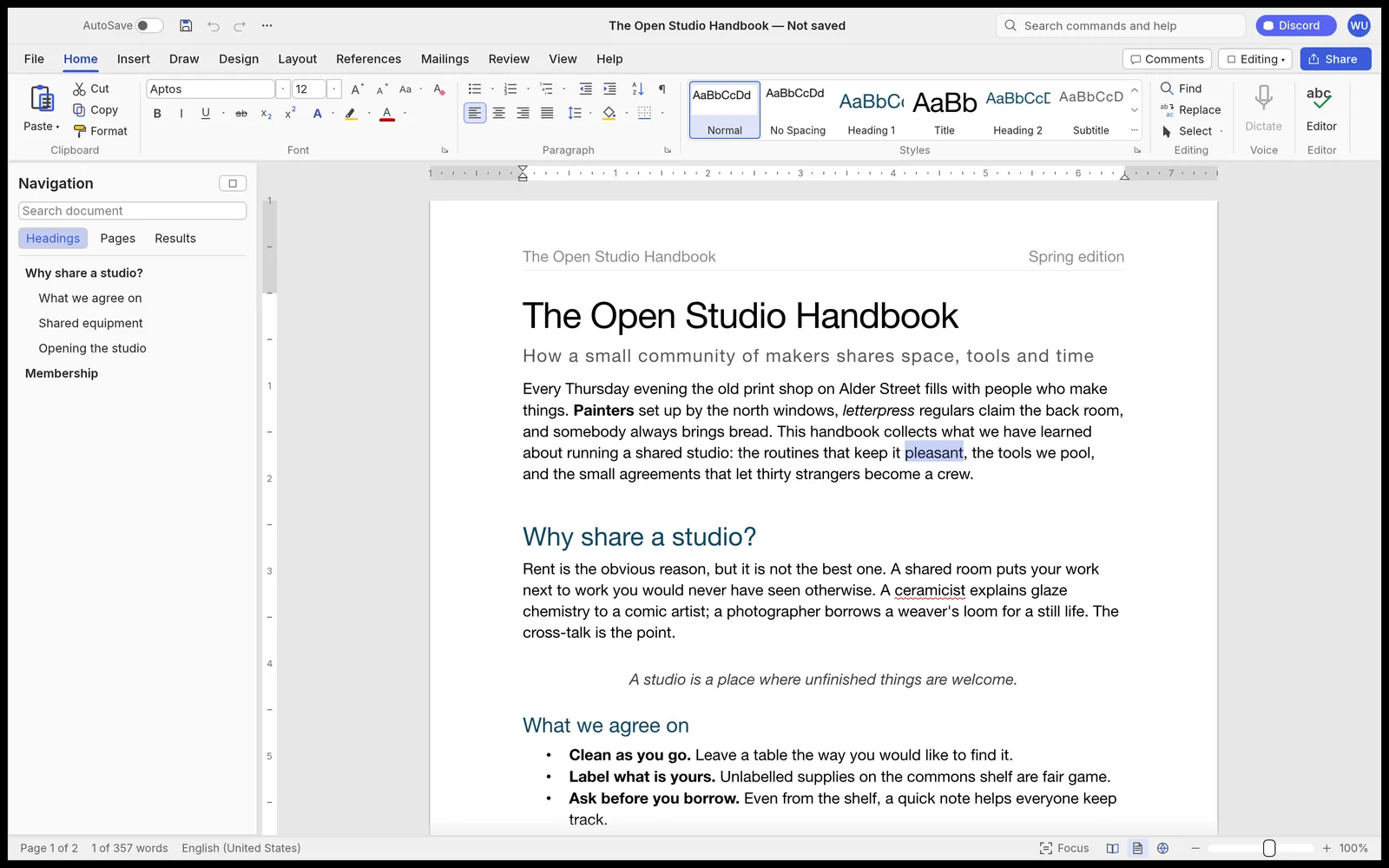
Write a document and download a DOCX working copy.
Build a new composition and keep its ECProj working file.
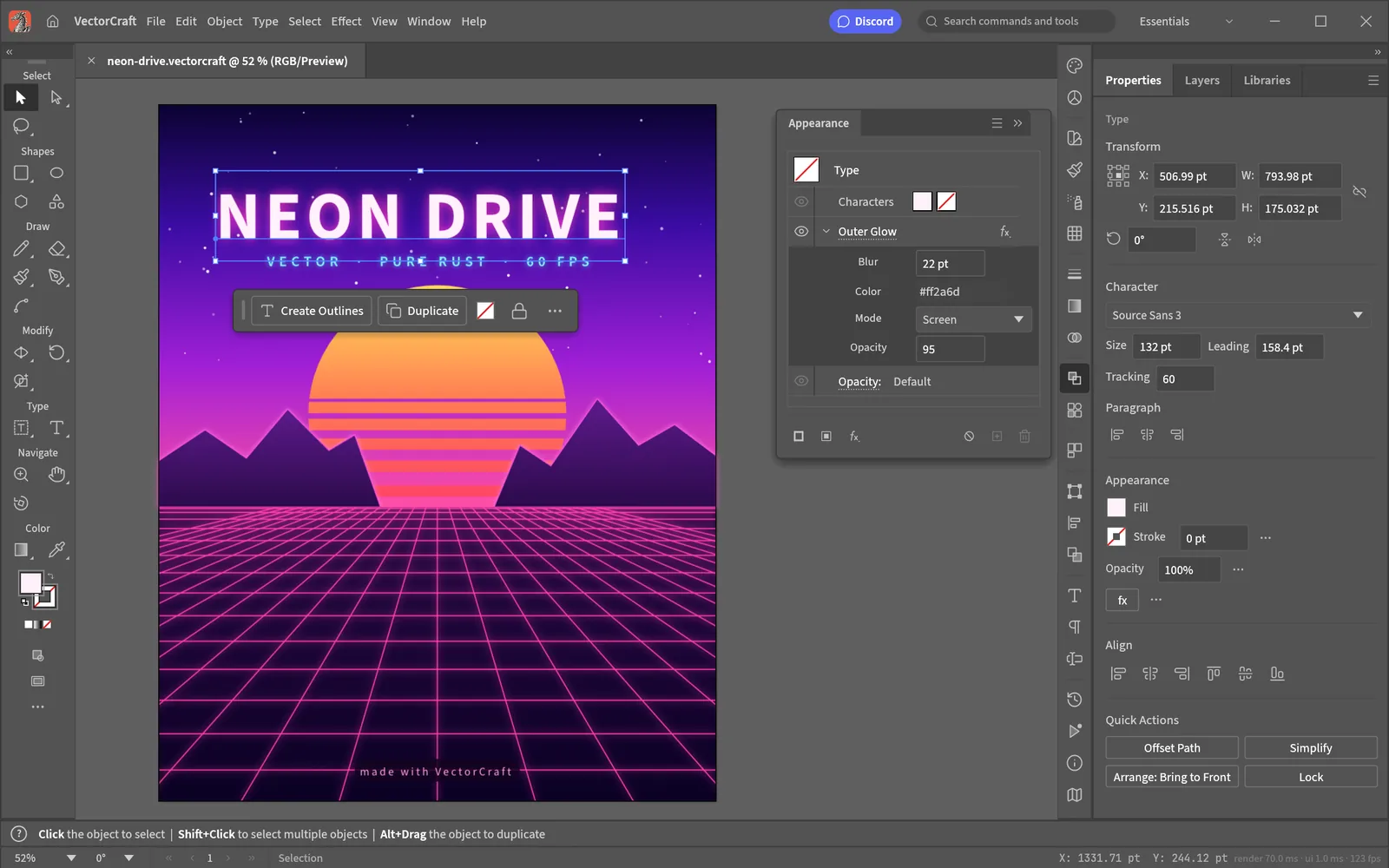
Draw shapes and paths, then check the exported SVG or PDF.
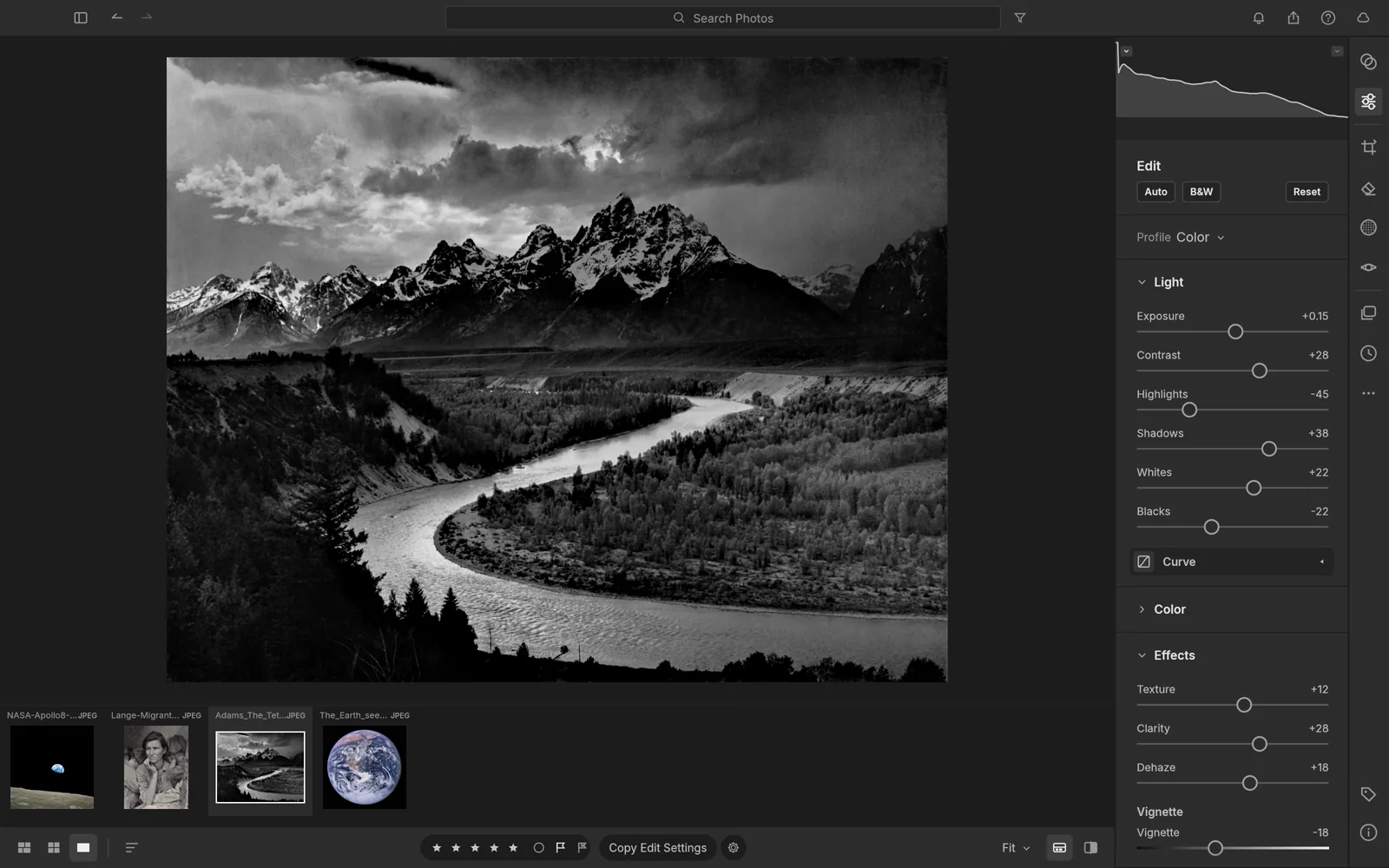
Import a few photos, adjust development settings and export a separate image.
Arrange a short sequence of video and audio clips.
Read a PDF and check page operations on a working copy.
Arrange text and graphics across pages and inspect the exported PDF.
Design a small interface, edit components and save a separate FigCraft working file.
Arrange a short audio session, check routing and download a mix or session copy.
Create a short presentation and inspect the saved deck and exported reading copy.
Draw a simple CAD sample and check the saved DXF, units and plotted result.
Edit a small spreadsheet, check formula results and download a separate XLSX.
Start with what you have
Pick a file type and a task. Get a guide, the reason for that route and a check to make before opening a tool.
Or browse the starting points. No files are uploaded here.
The ArtCraft collection
The ArtCraft family covers 13 creative, office and technical applications. Start with a featured workflow below or use the complete release table for presentations, interface design, audio, CAD and spreadsheets. All thirteen apps have pinned Web builds here, with task guides and official download links. The official directory calls the family “Thirteen apps. One craft.”
No tools match these filters.
Write documents, review changes and prepare an editable handoff.
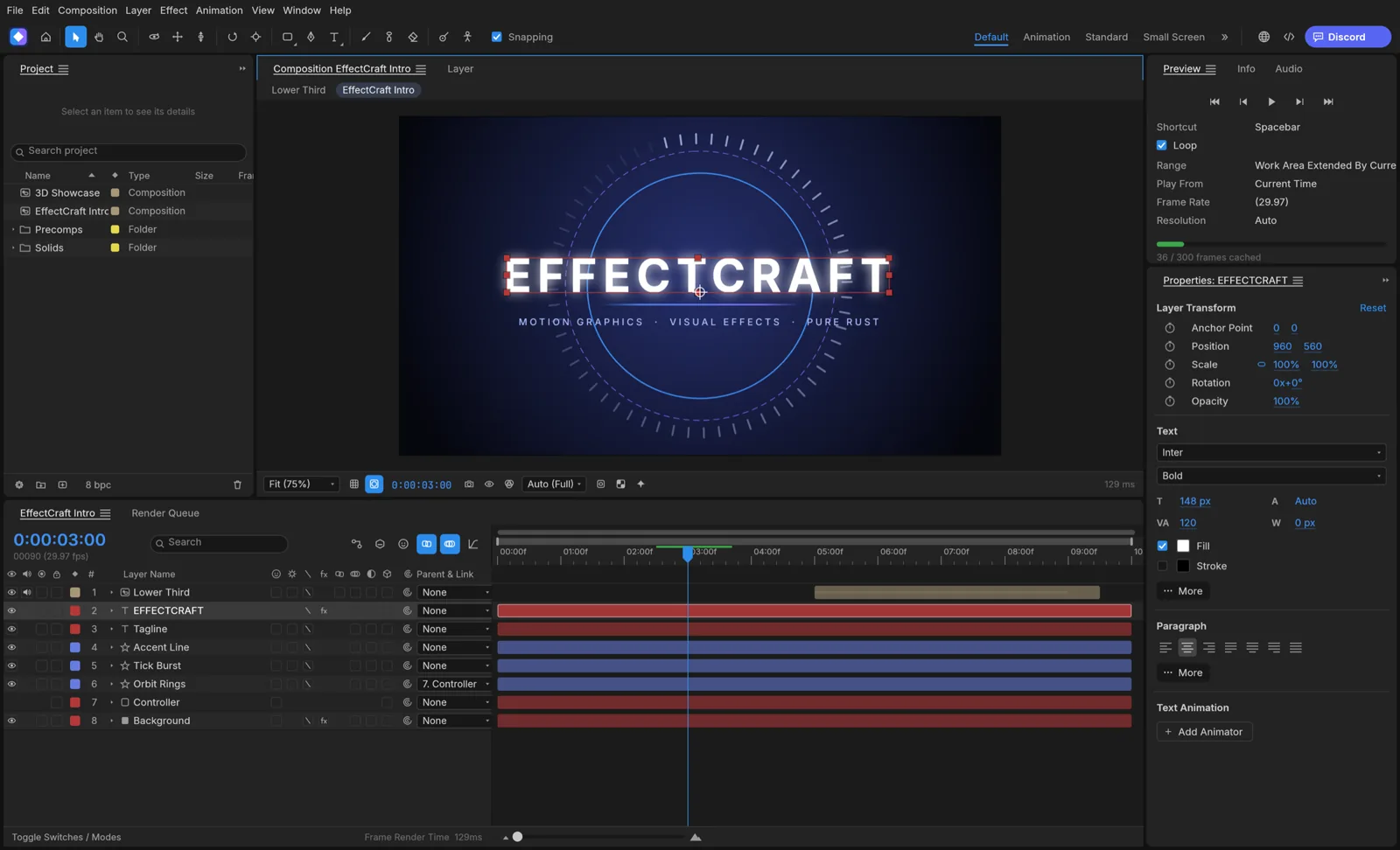
Build layered compositions, animate keyframes and choose an export.
Your everyday toolkit
Find an SVG editor, a PSD viewer, an image converter or a background remover. Each guide explains its destination before you open an external tool. This directory does not accept your files.
Find a vector editor or inspect SVG markup.
Choose a tool →Open a layered Photoshop file with the right tool.
Choose a tool →Choose a format and convert with a browser tool.
Choose a tool →Choose automatic cutouts or editable layer masks.
Choose a tool →From the notebook
Start with the decision you need to make: a desktop image editor to explore, or a browser workflow for a PSD. The two products are independent and serve overlapping tasks.
Read guide →Choose PhotoCraft for layered image editing and investigate LightCraft for a RAW photo library. They belong to the same family but solve different starting problems.
Read guide →SVG is useful for scalable vector artwork; PNG is useful for lossless pixel images with optional transparency. The right choice depends on what the destination needs.
Read guide →To turn a PSD into PNG, open a copy in a compatible editor and export a PNG as a separate file. Keep the original PSD: a PNG contains rendered pixels, not your editable text and layer structure.
Read guide →When PSD text changes after opening, check the font family and style before resizing text boxes. A substituted font can alter spacing and line breaks while the rest of the document still looks correct.
Read guide →PNG to SVG needs tracing or drawing if your goal is editable vector paths. An SVG can also embed a PNG; that changes the container without turning the pixels into vector artwork.
Read guide →A PNG can be fully opaque. When a “transparent PNG” shows white or checkerboard squares, test the downloaded file over two background colors before removing the background again.
Read guide →The SVG viewBox describes the rectangle of internal coordinates shown in the viewport. When an icon clips or has extra space, compare that rectangle with the artwork before changing only its CSS size.
Read guide →WordCraft documents DOCX reading and writing, but an editable handoff needs more than a successful open. Save a working copy, reopen it in the recipient’s editor and compare the document features that matter to the job.
Read guide →Choose an EffectCraft export by what the recipient needs: a rendered video to watch, an alpha-preserving overlay to composite or a Lottie animation to play in an app or webpage. Keep the working project separately for revisions.
Read guide →ArtCraft Tools is an independent navigation site, not the official ArtCraft product. We link to official applications and repositories, distinguish advice from source descriptions and show development limits. Our online guides describe the narrow smoke checks run on the hosted Web builds; other application descriptions remain provider claims.
Understand the Crafting Apps, the separate AI studio and the official sources before choosing a download.
The official Crafting Apps family includes creative, office and technical tools. The table records the product-page packages and GitHub release pages checked on 18 October 2026. Those two upstream destinations sometimes show different versions. A newer release number is not a compatibility test.
Thirteen official Web builds run on this site. Their pinned versions are shown separately from the official product-page packages and latest GitHub releases. Keep your original file and check a saved copy before changing a working setup.
| Application | Task | Product page | GitHub release | Hosted here |
|---|---|---|---|---|
| PhotoCraft | Layered images and PSD | 0.7.0 | 0.10.0 | 0.10.0 |
| VectorCraft | Vector drawing and SVG | 0.9.0 | 0.13.1 | 0.13.1 |
| LightCraft | Photo libraries and RAW development | 0.6.0 | 0.9.1 | 0.9.1 |
| WordCraft | Documents and DOCX | 0.5.0 | 0.8.0 | 0.8.0 |
| EffectCraft | Motion graphics and compositing | 0.8.0 | 0.11.1 | 0.8.0 |
| FilmCraft | Video timelines | 0.6.0 | 0.9.0 | 0.9.0 |
| PdfCraft | PDF reading and page operations | 0.6.0 | 0.9.0 | 0.9.0 |
| DesignCraft | Page layout and publishing | 0.6.0 | 0.9.0 | 0.9.0 |
| FigCraft | Interface design and prototypes | 0.5.1 | 0.7.0 | 0.7.0 |
| SoundCraft | Audio recording and mixing | 0.5.0 | 0.8.0 | 0.8.0 |
| DeckCraft | Presentations and PPTX | 0.5.0 | 0.8.0 | 0.5.0 |
| CADCraft | CAD drawings and DXF | 0.5.0 | 0.8.0 | 0.8.0 |
| GridCraft | Spreadsheets and XLSX | 0.5.0 | 0.8.0 | 0.8.0 |
No. This is an independent directory. The official ArtCraft website is getartcraft.com.
Use the thirteen online editor entrances below. These official Web builds edit files on your device. Other tool guides still link to external providers.
These are development applications with published releases. Check the notes for the version you choose and a representative saved file before changing your workflow.
Product claims come from provider documentation. Steps and handoff checks are editorial guidance; we have not tested your file in these applications.