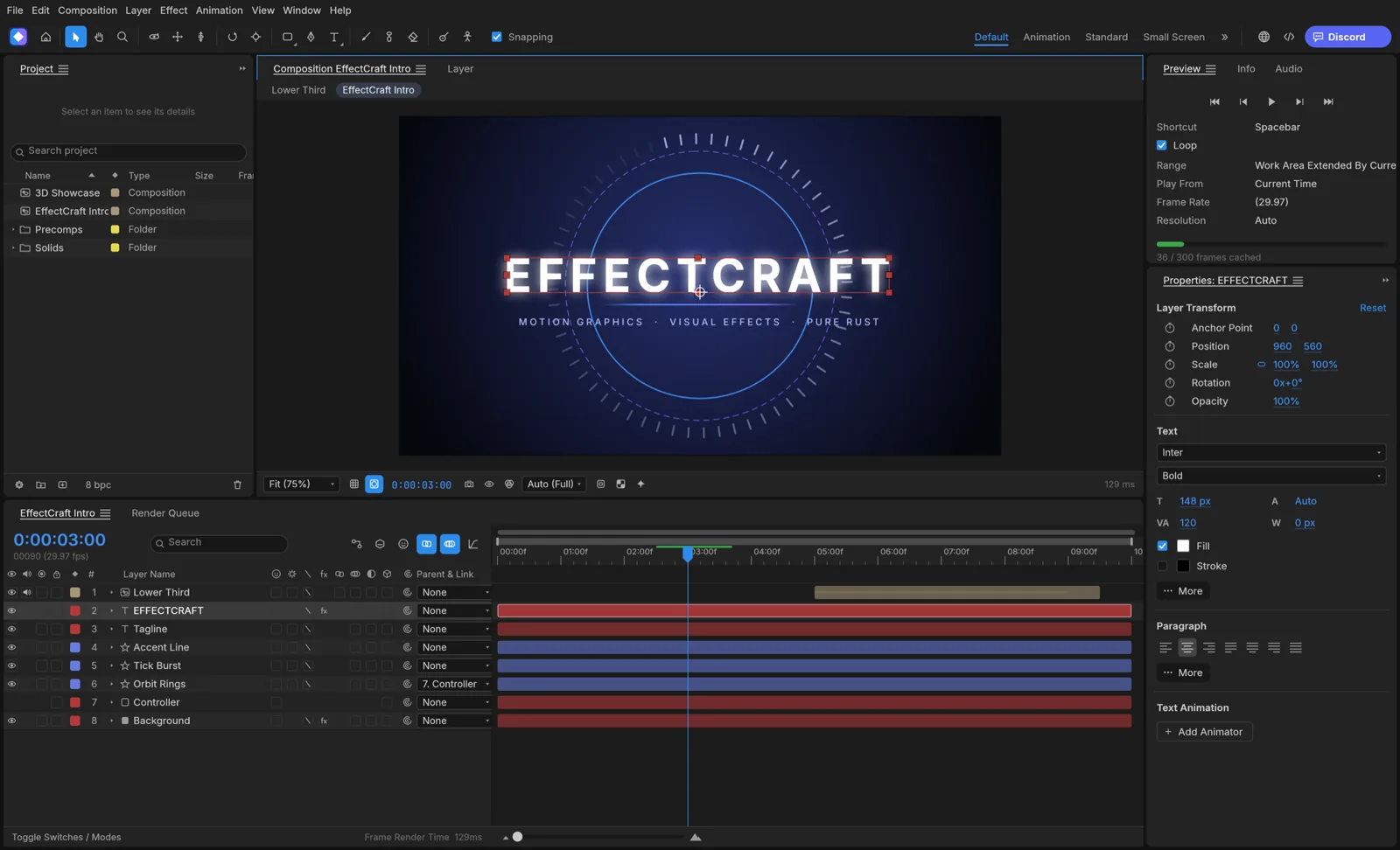
What is EffectCraft for?
The official product describes compositions made from layers and animated with keyframes, plus effects, expressions and cameras. A useful starting task is a short title or a layered graphic. It is a different route from retouching a photograph or editing a written document.
Begin with a small composition whose result you can judge: text, a shape and a clear movement over a short duration. Keep the intended delivery size and timing in view. Adding a complex scene before checking the basic render makes it harder to isolate a problem.
EffectCraft and After Effects: check the project boundary
The maintainer README explicitly says EffectCraft cannot open .aep or .aepx projects and cannot run After Effects plug-ins. It uses its own .ecproj project format. The maintainer also cautions that feature presence does not establish matching behavior or readiness to replace After Effects for client work.
If your task starts with an existing After Effects project, do not treat a familiar timeline as an import promise. Keep that source project and inspect the specific transfer route you need. Rebuilding a small motion graphic from assets is a different commitment from opening the original project unchanged.
Choose the deliverable before building the composition
The project documents video, image-sequence and Lottie export routes. Start with the receiving application and what it needs to do with the result.
| Destination | Route to investigate | Practical check |
|---|---|---|
| Review player or presentation | A rendered video | Duration, text, framing and playback |
| Video editor with a background below | An output that preserves alpha | Transparent areas and soft edges in that editor |
| Web or app animation player | Lottie export | Unsupported features and actual runtime rendering |
| Further revisions | The working project plus required assets | Source files, fonts and a reference render |
Where to get EffectCraft
The current official page has launcher and standalone downloads for macOS, Windows and Linux, as well as a Web build package. Older search snippets can still describe installers as forthcoming, so follow the live official product page for the actual choices. We do not freeze a latest version or copy installer links into this guide.
Read current release notes and known limitations before trying a production project. The fact that a platform has a package does not prove that every interaction or export works on your machine. Test a short composition while retaining the original project and assets.
A first EffectCraft composition check
Use a working copy of your assets. This sequence is an editorial handoff check, not a report that we have run the application.
- Define the composition’s output size, duration and receiving application.
- Create a small title or shape animation using the selected build.
- Preview the first frame, last frame and an intermediate frame.
- Export a short result in the intended delivery format.
- Reopen it at its destination and compare timing, text and any required transparency.
What to decide after the first render
EffectCraft is worth investigating for a new motion-graphics task when you can test its project and export boundaries. Keep the scope of the trial small enough to inspect. If a required plug-in or an existing .aep is central to the work, resolve that requirement before moving the production project.
Use our export guide for the next decision: a review video, a transparent overlay and a Lottie animation are different outputs. This directory provides the route and checklist; it does not render compositions or accept project files.
Questions, answered
Can EffectCraft open an After Effects .aep file?
The maintainer README currently says .aep and .aepx projects cannot be opened. Check current documentation before planning a transfer.
Do After Effects plug-ins run in EffectCraft?
The maintainer README says they do not. Plan the workflow around the actual project and plug-in requirements.
Can EffectCraft export Lottie?
The project documents Lottie import and export. Check unsupported features and test the result in your target player.
Where is the official EffectCraft download?
Use getartcraft.com/apps/effectcraft for current platform and package choices. This site provides links and does not host the application.
Sources & checks
Product claims come from provider documentation. Steps and handoff checks are editorial guidance; we have not tested your file in these applications.