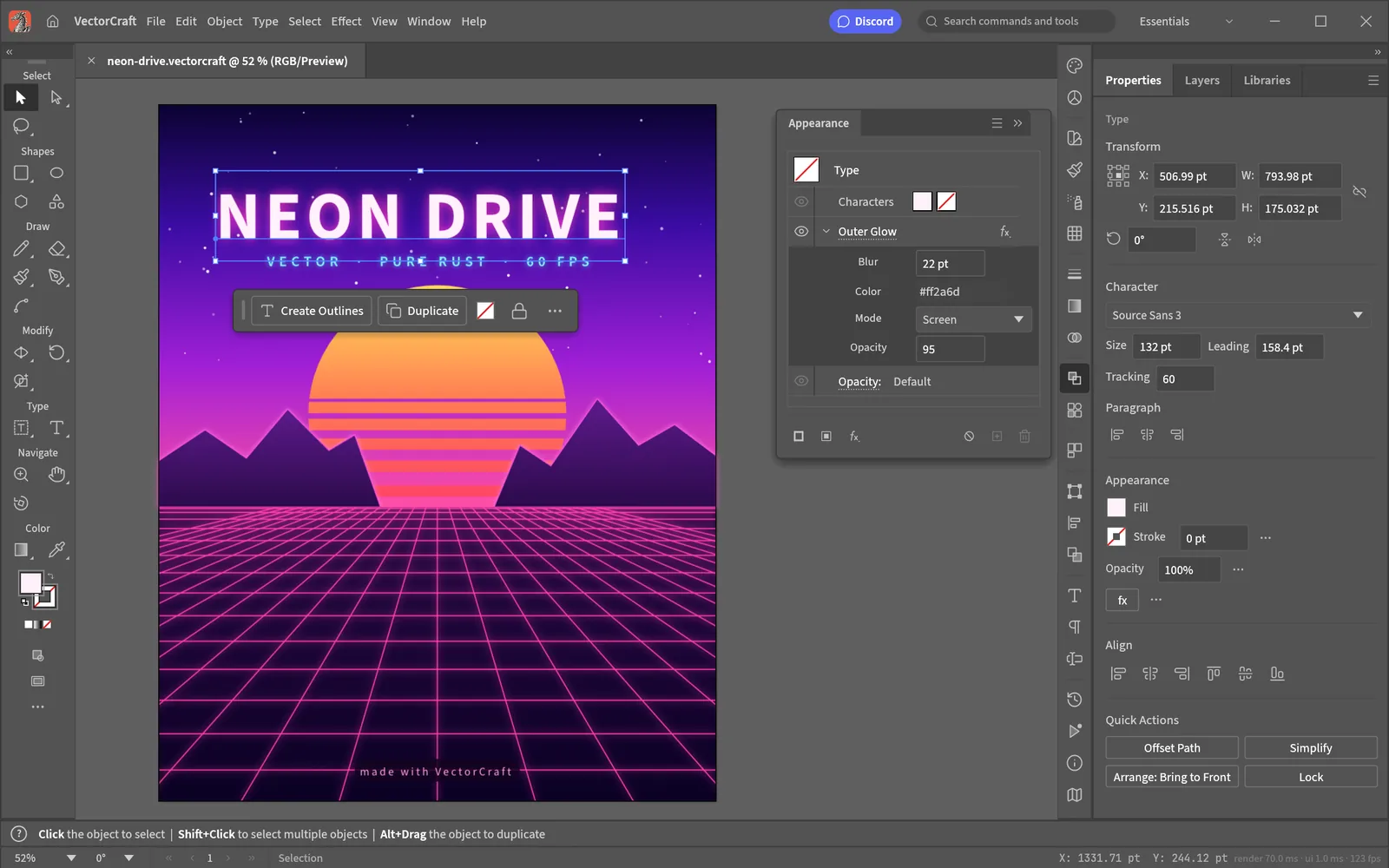
What does VectorCraft do?
The official page describes pen and direct-selection tools, shape boolean operations, snapping and editable effects. It lists SVG and PDF import and export, plus PNG, JPEG and WebP output.
For a first check, use a simple icon with a few curves and a gradient. Inspect the exported SVG in your intended browser or application. Fonts and effects deserve separate checks when files move between tools.
Vector editor or SVG code viewer?
A visual editor is useful when you need to draw or reshape paths. A code viewer is useful when you need to inspect markup, adjust a fill or check the viewBox. Those jobs are related but do not require the same interface.
Our SVG editor page links both the VectorCraft project and SVG Viewer. It is a navigation guide, not an embedded canvas.
Where to download VectorCraft
Use the official app page to choose a launcher or standalone build. Check the operating system and architecture before downloading. For a browser trial, use our VectorCraft online entrance. The official Web package is also available for people who want to host their own copy.
Check your illustration workflow
VectorCraft remains development software with published downloads. Check the exact release, file formats and output you need before changing an illustration workflow.
Test the formats your clients or printers require. SVG export is not a promise of lossless native AI-file interchange, font portability or identical PDF output.
VectorCraft versions: official downloads and this site
On 18 October 2026, the official VectorCraft product page linked to 0.9.0 packages; the GitHub latest-release page resolved to 0.13.1. Use the version attached to the file you actually download and read that release’s notes.
Our hosted VectorCraft browser editor uses 0.13.1. The application files were updated in this release. Startup, a small sample and your own file compatibility remain separate checks. Download your work before closing.
| Destination | Version at this check | What it means |
|---|---|---|
| Official product page | 0.9.0 | Platform and package choices |
| GitHub release | 0.13.1 | Published release files and notes |
| This site | 0.13.1 | Pinned browser build; download your work |
Questions, answered
Does VectorCraft support SVG?
The official page lists SVG import and export. This directory has not tested a round trip.
Does this site host VectorCraft online?
Yes. Open the separate VectorCraft online guide linked above to launch our independently hosted official Web build. Download your work and check the exported result before closing the editor.
Is VectorCraft part of ArtCraft?
Yes. The official ArtCraft Crafting Apps directory links to it.
Sources & checks
Product claims come from provider documentation. Steps and handoff checks are editorial guidance; we have not tested your file in these applications.
- VectorCraft official app page Checked
- VectorCraft source and releases Checked
- ArtCraft: Crafting Apps Checked
- VectorCraft: official product and platform downloads Checked
- VectorCraft: release 0.13.1 on GitHub Checked