PhotoCraft
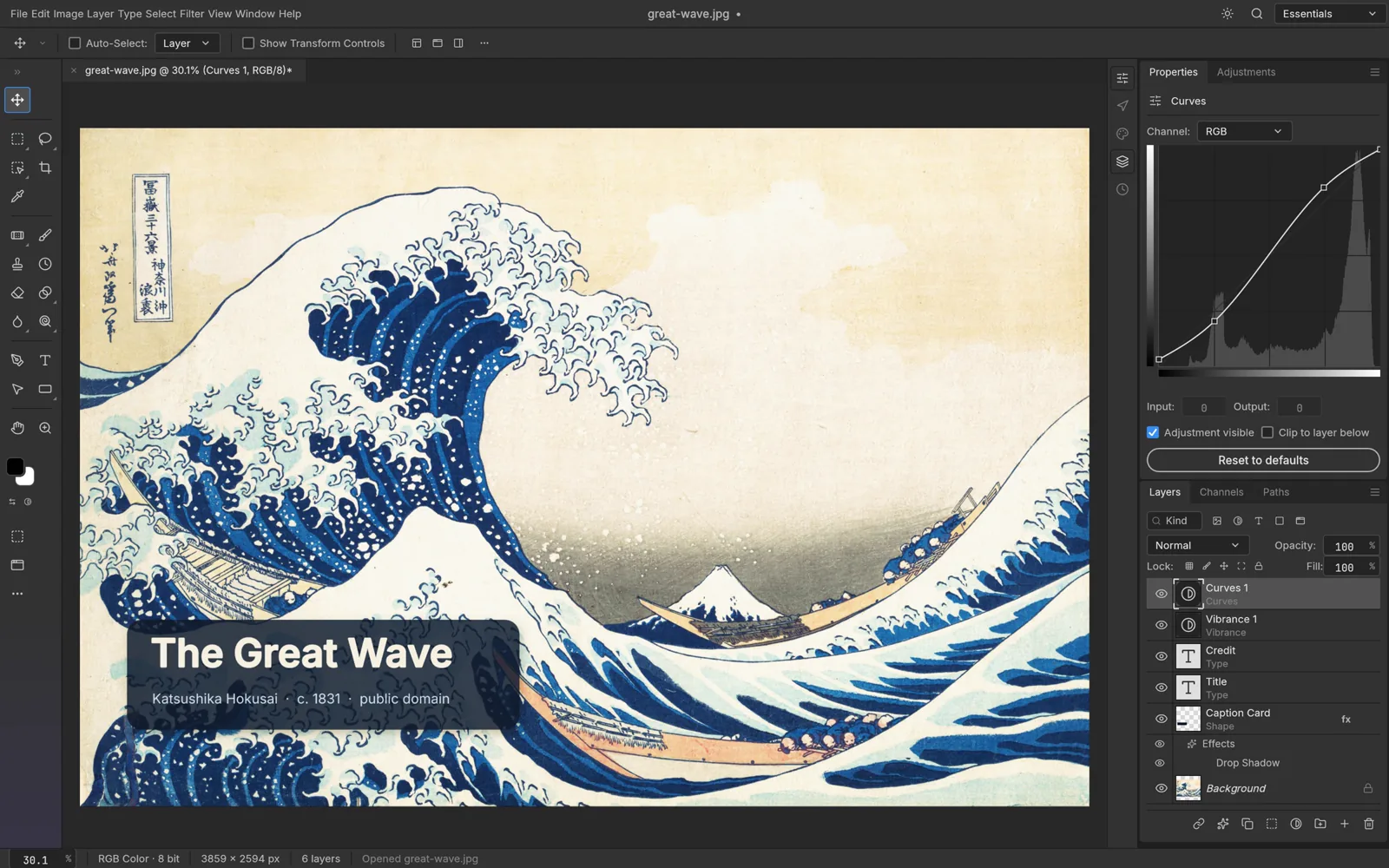
Open images, work with layers and keep an editable PSD or a flat PNG.
Browse by task
A short path from your file to the right application. Read the guide, then open one of thirteen editors here or follow a clearly marked external tool link.
Official Web builds, independently hosted. Editing runs on this device. Download your work before closing.
Open images, work with layers and keep an editable PSD or a flat PNG.
Write a document and download a DOCX working copy.
Build a new composition and keep its ECProj working file.
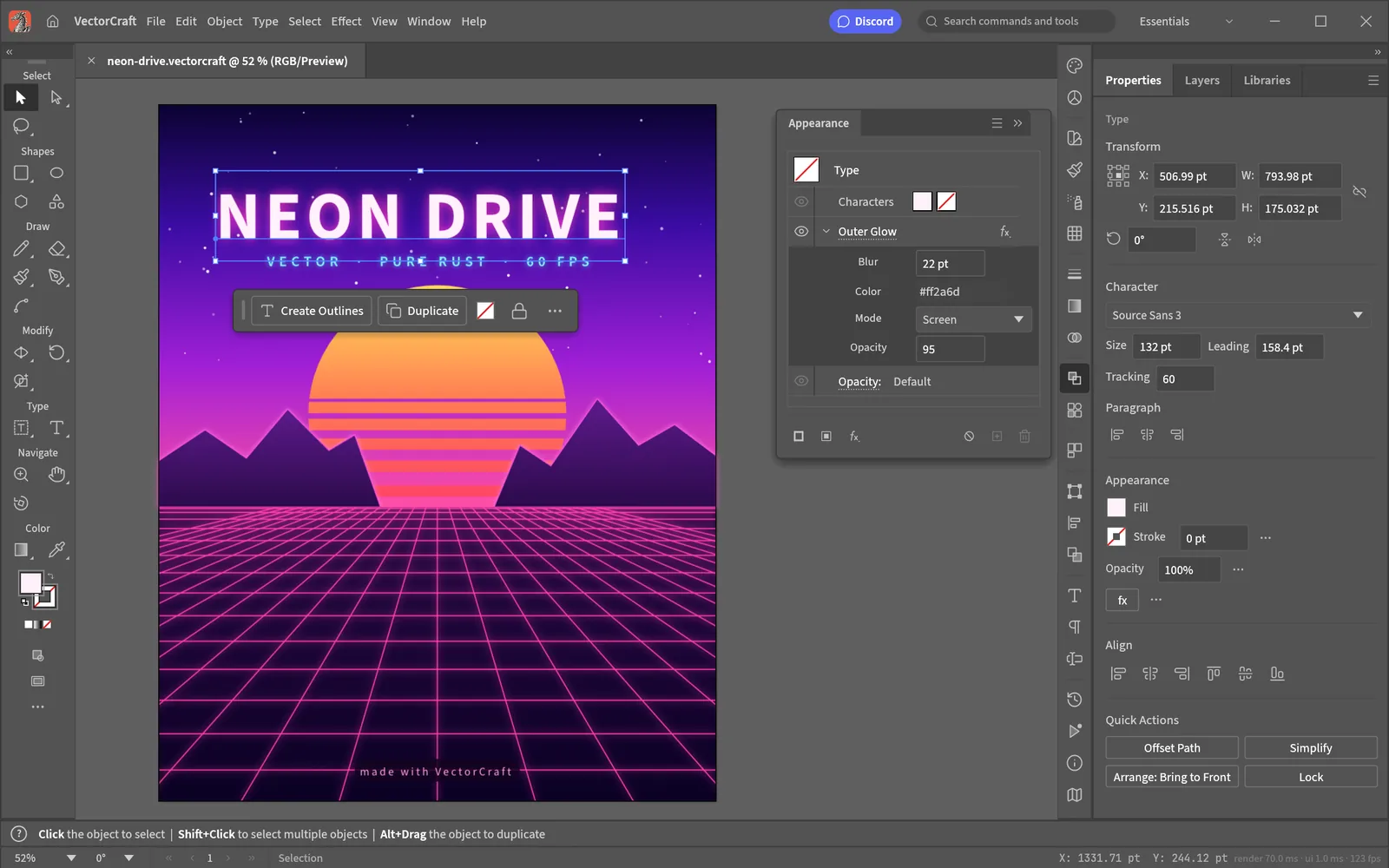
Draw shapes and paths, then check the exported SVG or PDF.
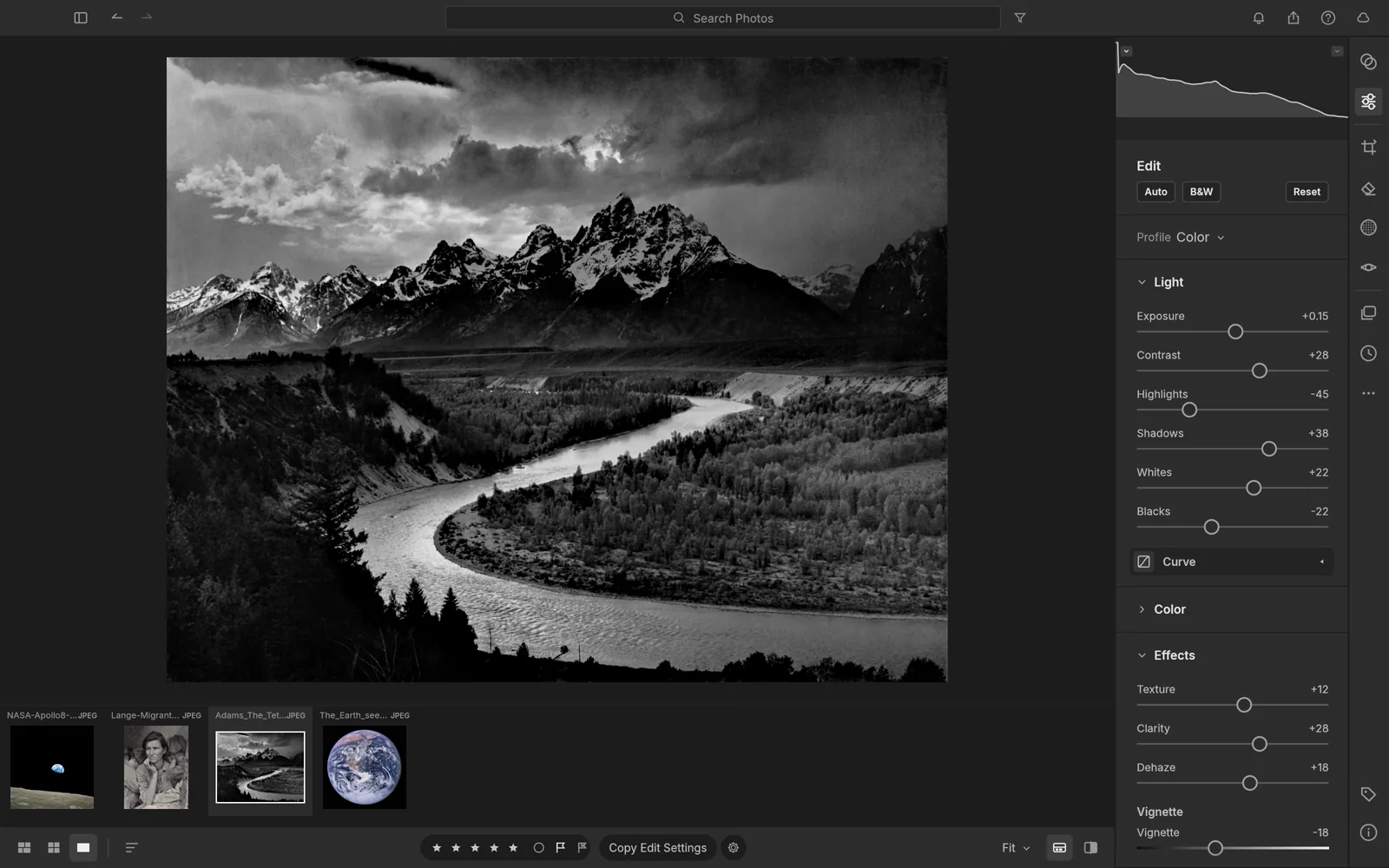
Import a few photos, adjust development settings and export a separate image.
Arrange a short sequence of video and audio clips.
Read a PDF and check page operations on a working copy.
Arrange text and graphics across pages and inspect the exported PDF.
Design a small interface, edit components and save a separate FigCraft working file.
Arrange a short audio session, check routing and download a mix or session copy.
Create a short presentation and inspect the saved deck and exported reading copy.
Draw a simple CAD sample and check the saved DXF, units and plotted result.
Edit a small spreadsheet, check formula results and download a separate XLSX.
Start with what you have
Pick a file type and a task. Get a guide, the reason for that route and a check to make before opening a tool.
Or browse the starting points. No files are uploaded here.
No tools match these filters.
Use the PSD guide for layered Photoshop files, the SVG guide for vector paths or markup, the converter guide for flat image formats and the background guide for cutouts. For DOCX work, explore WordCraft; for layered motion, explore EffectCraft. All thirteen ArtCraft Web editors have hosted browser entrances below. Other tool buttons open on the provider’s own site.
Find a vector editor or inspect SVG markup.
Choose a tool →Open a layered Photoshop file with the right tool.
Choose a tool →Choose a format and convert with a browser tool.
Choose a tool →Choose automatic cutouts or editable layer masks.
Choose a tool →Explore all 13 Crafting Apps through the guides and release table. The five featured cards cover common creative tasks; the complete table also links interface design, audio, presentations, CAD and spreadsheets. Official product descriptions and release information are separate from this site’s bounded browser checks.
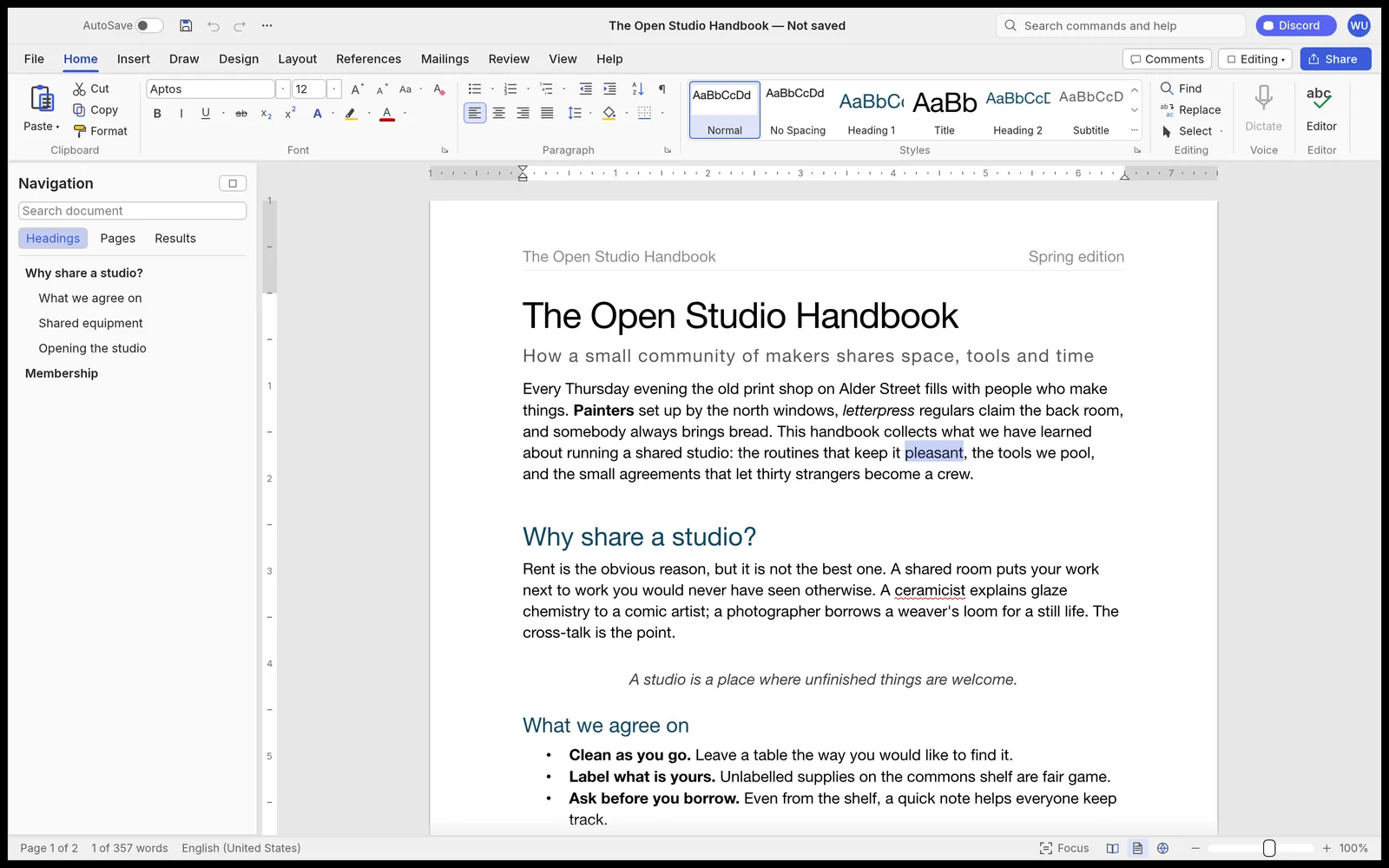
Write documents, review changes and prepare an editable handoff.
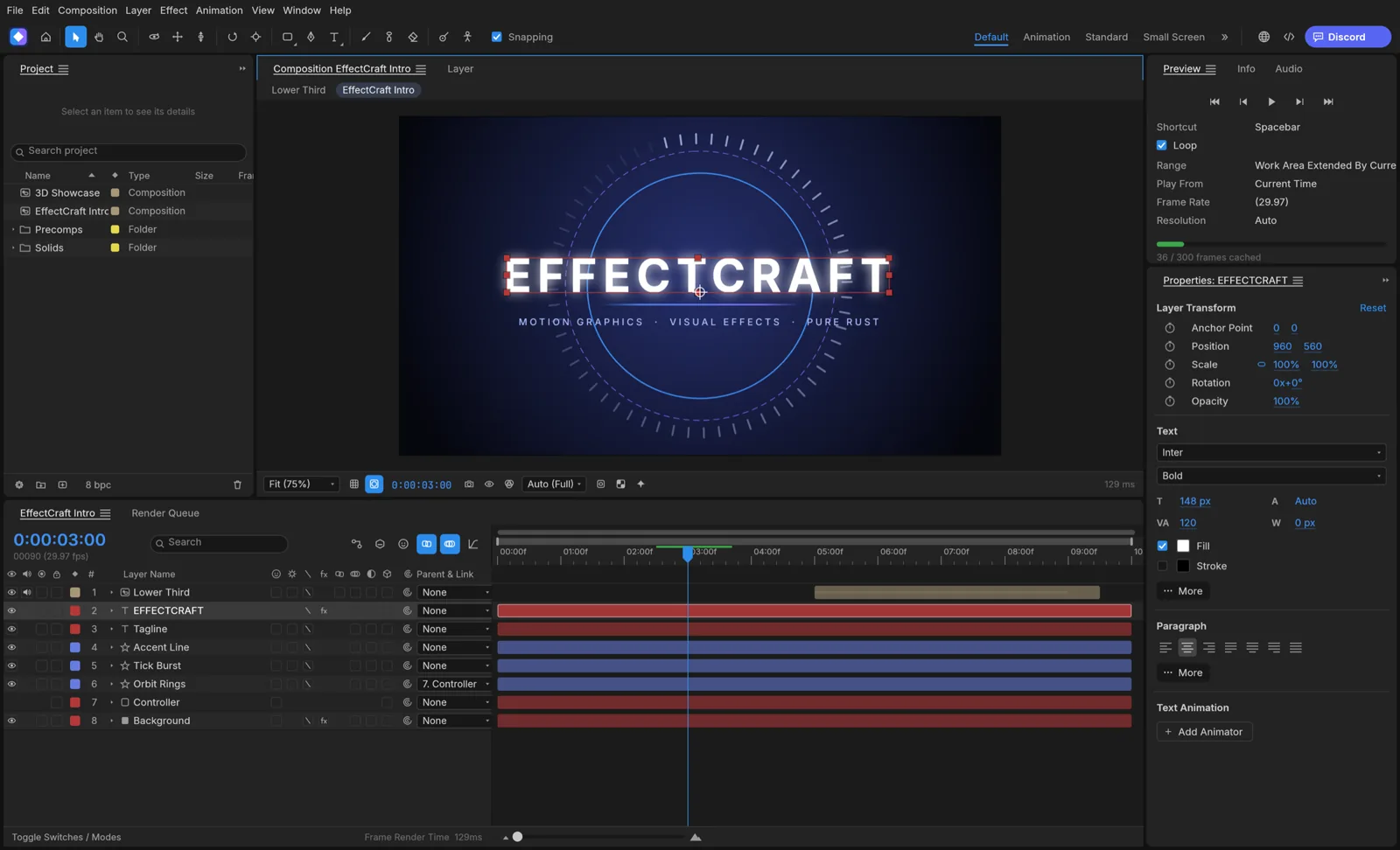
Build layered compositions, animate keyframes and choose an export.
Looking for slide software? Read the DeckCraft guide for official downloads, PPTX handoffs, PDF exports and presenter-view checks. Open the separate DeckCraft online guide to try the independently hosted browser build.
The official Crafting Apps family includes creative, office and technical tools. The table records the product-page packages and GitHub release pages checked on 18 October 2026. Those two upstream destinations sometimes show different versions. A newer release number is not a compatibility test.
Thirteen official Web builds run on this site. Their pinned versions are shown separately from the official product-page packages and latest GitHub releases. Keep your original file and check a saved copy before changing a working setup.
| Application | Task | Product page | GitHub release | Hosted here |
|---|---|---|---|---|
| PhotoCraft | Layered images and PSD | 0.7.0 | 0.10.0 | 0.10.0 |
| VectorCraft | Vector drawing and SVG | 0.9.0 | 0.13.1 | 0.13.1 |
| LightCraft | Photo libraries and RAW development | 0.6.0 | 0.9.1 | 0.9.1 |
| WordCraft | Documents and DOCX | 0.5.0 | 0.8.0 | 0.8.0 |
| EffectCraft | Motion graphics and compositing | 0.8.0 | 0.11.1 | 0.8.0 |
| FilmCraft | Video timelines | 0.6.0 | 0.9.0 | 0.9.0 |
| PdfCraft | PDF reading and page operations | 0.6.0 | 0.9.0 | 0.9.0 |
| DesignCraft | Page layout and publishing | 0.6.0 | 0.9.0 | 0.9.0 |
| FigCraft | Interface design and prototypes | 0.5.1 | 0.7.0 | 0.7.0 |
| SoundCraft | Audio recording and mixing | 0.5.0 | 0.8.0 | 0.8.0 |
| DeckCraft | Presentations and PPTX | 0.5.0 | 0.8.0 | 0.5.0 |
| CADCraft | CAD drawings and DXF | 0.5.0 | 0.8.0 | 0.8.0 |
| GridCraft | Spreadsheets and XLSX | 0.5.0 | 0.8.0 | 0.8.0 |
Product claims come from provider documentation. Steps and handoff checks are editorial guidance; we have not tested your file in these applications.